CRATTO A music library built only for your taste!

Keep your vinyl, CDs and digital albums in one library. Cratto brings back the records you haven't played in a while, and when you want something new, follows your taste to the next must-hear album.

  1. 01Taste MapYour records light up a globe of genres.
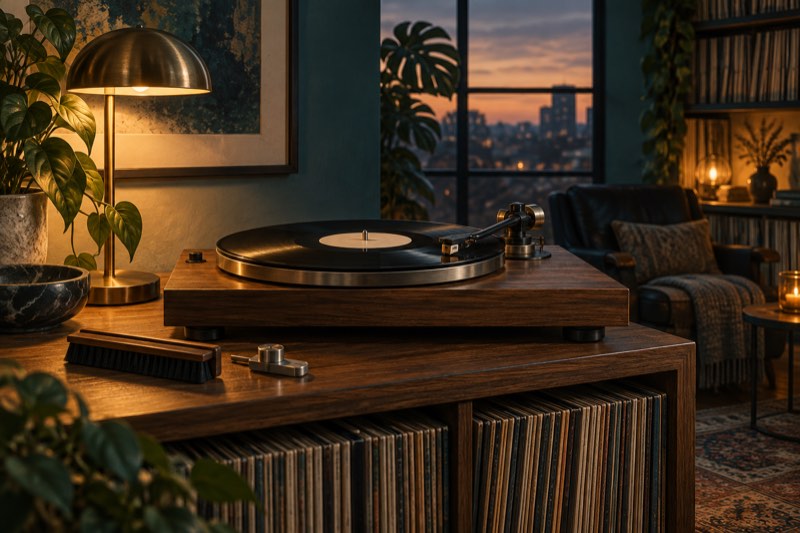
  2. 02Turntable and CD playerDrop the needle, or spin a CD.
  3. 03Cover playerThe sleeve takes the whole screen.
  4. 04Scan & catalogScan the barcode or catalog number to find the pressing on Discogs.
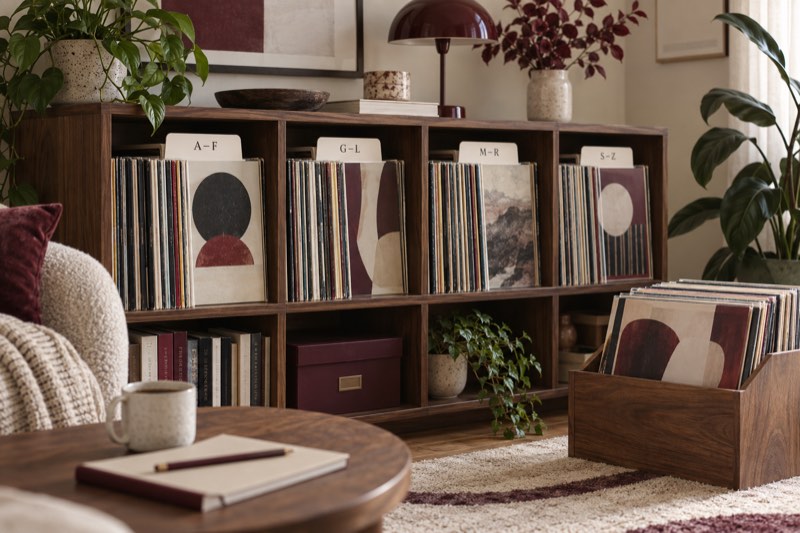
  5. 05CratesYour records, filed into crates by genre or A–Z.
Download on the App Store

Your collection lights up the globe

A1 · Player Ⅰ — Berliner

A turntable,
full screen.

On iPad the record fills the room. Everything you need is on the table; everything else steps back.

  1. 01

    Needle drop

    The tonearm swings in, lowers the needle and slowly tracks toward the label as the album plays.

  2. 02

    Five finishes

    Classic Vinyl, Marbled Magma, Clear Splatter, Marble Jade or a picture disc. The marble and splatter finishes take their colors from the sleeve; the picture disc prints the cover itself.

  3. 03

    Liner notes

    Catalog number, your collection number, genre, label and country sit quietly in the corner.

  4. 04

    Flip the sleeve

    On iPad, tap the cover to turn it over: the tracklist by side, and other pressings of the same album. On iPhone the same details slide up.

Named after Emile Berliner, who gave the world the flat disc record.

CRATTO on iPad: Siamese Dream on a clear splatter record under a polished tonearm, sleeves beside it

A2 · Player Ⅱ — Lou

A CD player,
the disc spinning.

The album is printed on the spinning disc, and the records to come wait beside it in jewel cases.

  1. 01

    The disc turns

    The cover is printed on the disc, a segment display shows the track, and every key along the front works.

  2. 02

    Two bodies

    Brushed aluminium in one piece, or Rams: a white face with wooden sides.

  3. 03

    Three disc styles

    Cover print, silver or colour print. Each jewel case spine carries your collection number and genre.

Named after Lou Ottens, who led the invention of the compact cassette at Philips and helped develop the CD.

The CRATTO CD player on iPad: in the Rams body, white with wooden sides, Robert Palmer's Clues is printed on the spinning disc, with the next records waiting in jewel cases on the rightThe same CD player in the brushed aluminium body, with the disc style panel open: cover print, silver and colour print, and the aluminium and Rams bodies

A3 · Player Ⅲ — Steinweiss

Or let the sleeve
take the wall.

The cover player gives the artwork the whole screen. On iPad, drag a sleeve from the queue onto the cover to play it.

Named after Alex Steinweiss, who put the first illustrated covers on records in 1939.

CRATTO's cover player on iPad: Carpenters' A Song for You fills the left of the screen, with the queue of sleeves, catalog number, genre, country and style beside it
CRATTO's cover player on iPhone: the sleeve of Lynyrd Skynyrd's Street Survivors fills the screen as a sepia poster, above its catalog number, genre and style

A3 · iPhone & iPad

Same records.
Two rooms.

Flip through your shelf on iPhone in the record shop, then settle in with iPad at home. With Gold Record, iCloud keeps them in step.

A Jazz crate opened on iPad: a stack of sleeves, the record list and album details
iPadSidebar, floating mini player, full-screen players
CRATTO's turntable player on iPhone: Street Survivors spinning on a splatter record tinted by its sleeve
iPhoneSwipe between players, scan at the shop
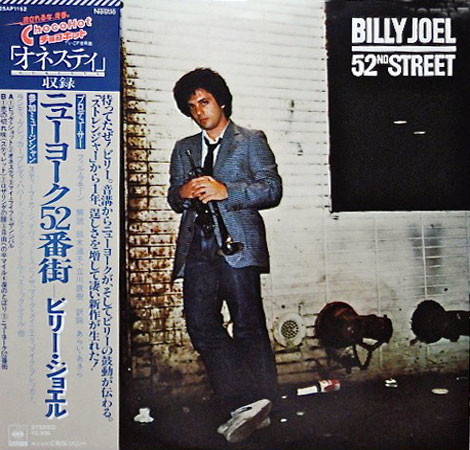
Sample record sleeve: 52nd Street by Billy Joel

B1 · Scan

Found one in the crate?
Scan it.

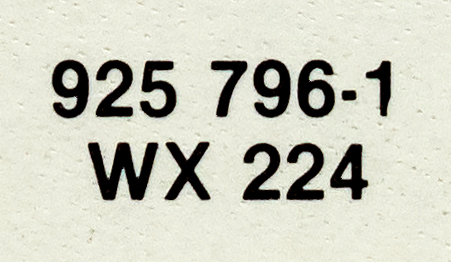
Point the camera at the barcode or the catalog number on the spine. CRATTO finds the pressing on Discogs, so you can check the label, year and country before it goes on your shelf.

  • Barcode
  • Catalog number
  • Release code
  • From Photos

Try it · sample record

B2 · Today's Pick

Every record
gets its turn.

Today's Pick shuffles your shelf so every album comes up once per cycle. Shuffle, play, or pull down to open the player.

  • Standard
  • Cover Stack
  • The Wall
Today's Pick on iPhone: Yoshiaki Masuo's Sailing Wonder on top of a fan of sleeves, with Shuffle and Play
Today's Pick playing: the record slides out from behind the sleeve and a mini player appears above the tab bar

B3 · Crates

Crates that
sort themselves.

CRATTO files your records into crates by genre, or A–Z by artist or album, and you can build your own. Pick acrylic, walnut, aluminum, or wood + acrylic.

  • Acrylic
  • Walnut
  • Aluminum
  • Wood + Acrylic
CRATTO crates on iPad in walnut, aluminum, wood and acrylic
01Crates by genre, on iPad

B4 · Liner notes

  1. 01

    Grade it like a dealer

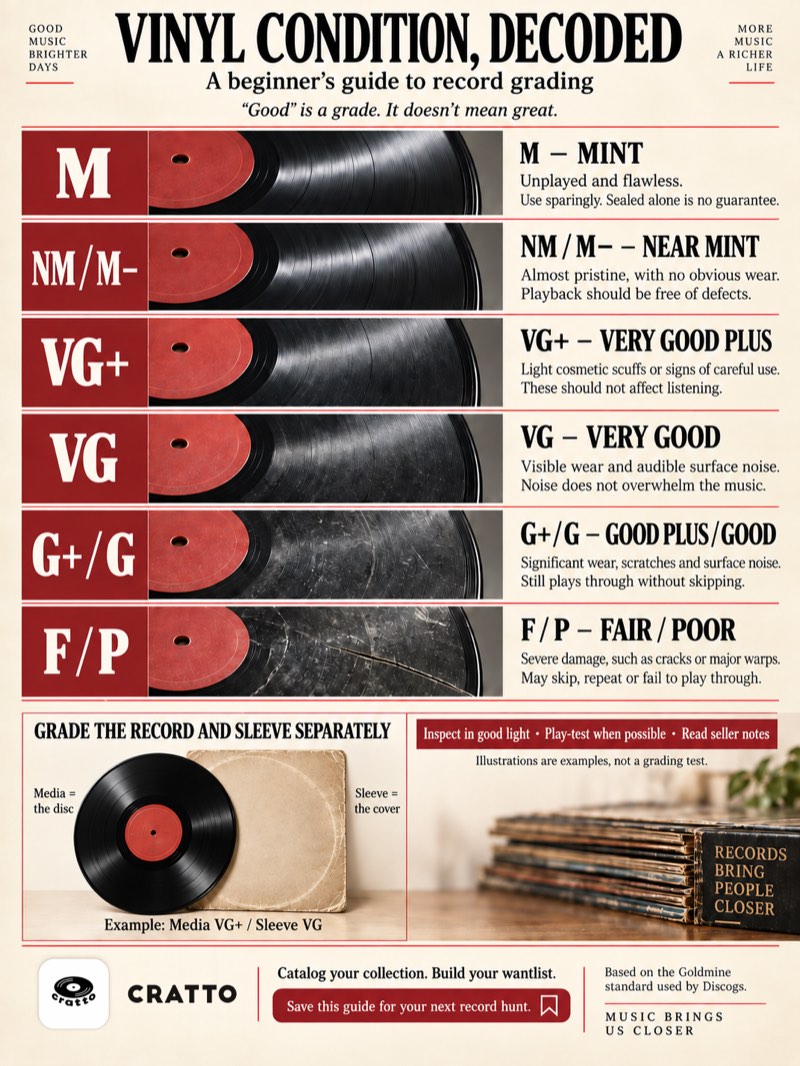
    Record media and sleeve condition on the Discogs scale, from Mint to Poor.

  2. 02

    Know your pressing

    Label, catalog number, country and year — and other versions of the same album.

  3. 03

    Keep a wantlist

    Collect what you own, want what you don't. Both live side by side.

  4. 04

    Pass it on

    Share a record as a poster. Turn on its release code and any CRATTO user can scan it to open the record.

C1 · Taste Map

Your taste,
on a globe.

1,203 genres sit on a turning globe. The genres you own records in light up; open one to see where it came from, what it influenced and which must-hear album to try next.

  1. 01

    The globe

    Lit genres are the ones in your collection, and the more records, the bigger the dot. Drag to turn it, pinch to zoom, or tap Roam to land on a genre at random.

  2. 02

    A genre's card

    Tap a genre and dashed lines show where it came from and what it influenced; its card holds its must-hear albums and subgenres. Add one straight to your collection or want list.

  3. 03

    Full screen

    Open the card into a page: must-hear albums by decade, the record you're looking at on the left, and the genre's roots and subgenres on the right to keep digging.

The Taste Map is free. Playback needs an Apple Music subscription. Share your map from the top right as an image or a video.

The Taste Map on iPad: a globe of genres, with the genres in the collection lit as red dots and Rock, Pop and Hip-hop the largestPop picked on the Taste Map: dashed lines run to the genres it came from and influenced, and the card shows Madonna's Like a Prayer and Pop's must-hear albumsBlues on a full-screen page: Robert Johnson's King of the Delta Blues Singers on the left, must-hear albums by decade in the middle, and a small genre map with its roots and subgenres on the right

Also on this site

1,203 genres.
One map.

The same globe as in the app, on the web: follow where your records come from.

Open the genre map

CRATTO / JOURNAL

A closer look at vinyl.

From identifying a pressing to caring for your collection. A few useful reads before your next record.

All articles ↗

Liner notes

Before you
drop the needle.

01Is CRATTO free?

CRATTO is free to download. Gold Record is a one-time purchase that unlocks both immersive players with every finish, plus iCloud sync between your iPhone and iPad. One purchase, yours forever.

02Do I need Apple Music?

Playback uses Apple Music and needs an active subscription. Scanning, cataloging, crates and Today's Pick work without it.

03Does CRATTO work on iPad?

Yes. CRATTO has its own iPad layout — a sidebar, a floating mini player and a full-screen turntable. It needs iOS or iPadOS 26 or later.

04How does CRATTO identify a record?

Scan the barcode, point the camera at the catalog number, scan the release code on a CRATTO poster or choose a photo. Release data comes from Discogs, so connect a Discogs account first.

05Do the finishes change my collection?

No. Finishes change how the player looks, not the pressing saved in your collection.

Run-out groove

Put a record on.

Free on the App Store for iPhone and iPad. Gold Record: one purchase, yours forever.

Download on the App Store

Requires iOS or iPadOS 26 or later

Scan with your iPhone or iPad camera